Confession: I read way more than a teacher’s budget can keep up with. It’s great to make every cent count these days, so going digital was one of the best money decisions I’ve made as a reader.
But e-readers aren’t cheap, and there are a lot of them. So I dug into what’s out there and narrowed it down to three: the cheapest one, the one I actually use, and the one that does the most. Plus the trick that gets me most of my books for free!
| E-reader | Price (US list) | Screen | Color | Water proof? | Library books | Best for |
|---|---|---|---|---|---|---|
| Amazon Kindle (2024) | $109.99 with ads $129.99 without | 6 in | No | No | Sent from Libby (US only) | Lowest price, period |
| Kobo Clara BW | $129.99 | 6 in | No | Yes | Built in | Best cheap pick for library readers |
| Kindle Paperwhite (2024) | $159.99 | 7 in | No | Yes | Sent from Libby (US only) | Amazon shoppers |
| Kobo Libra Colour | $219.99 | 7 in | Yes | Yes | Built in | My pick: comfy, cozy, bath-proof |
| Boox Go Color 7 | $249.99 | 7 in | Yes | No | Libby app | Doing a little of everything |
The options at a glance
These are list prices as of October 2026 (source). Sales knock a lot off, so it’s worth waiting for one.
The cheapest: Amazon Kindle
(with a Kobo twist)
The basic Kindle is the cheapest e-reader worth buying, at $109.99. It has a sharp screen and does the one thing it needs to do: let you read. The catch is that price includes ads on the lock screen ($20 more to remove them), and it has no warm light or waterproofing.
Here’s my money-saving twist, though. For $129.99, the same price as an ad-free Kindle, the Kobo Clara BW adds warm light for bedtime reading, waterproofing, and library borrowing built right in. If you plan to use your library (and you should!), that’s the cheap one I’d actually buy.
Want to spend even less? Both brands sell certified refurbished readers, and big sales like Black Friday regularly drop prices.
The one I use: Kobo Libra
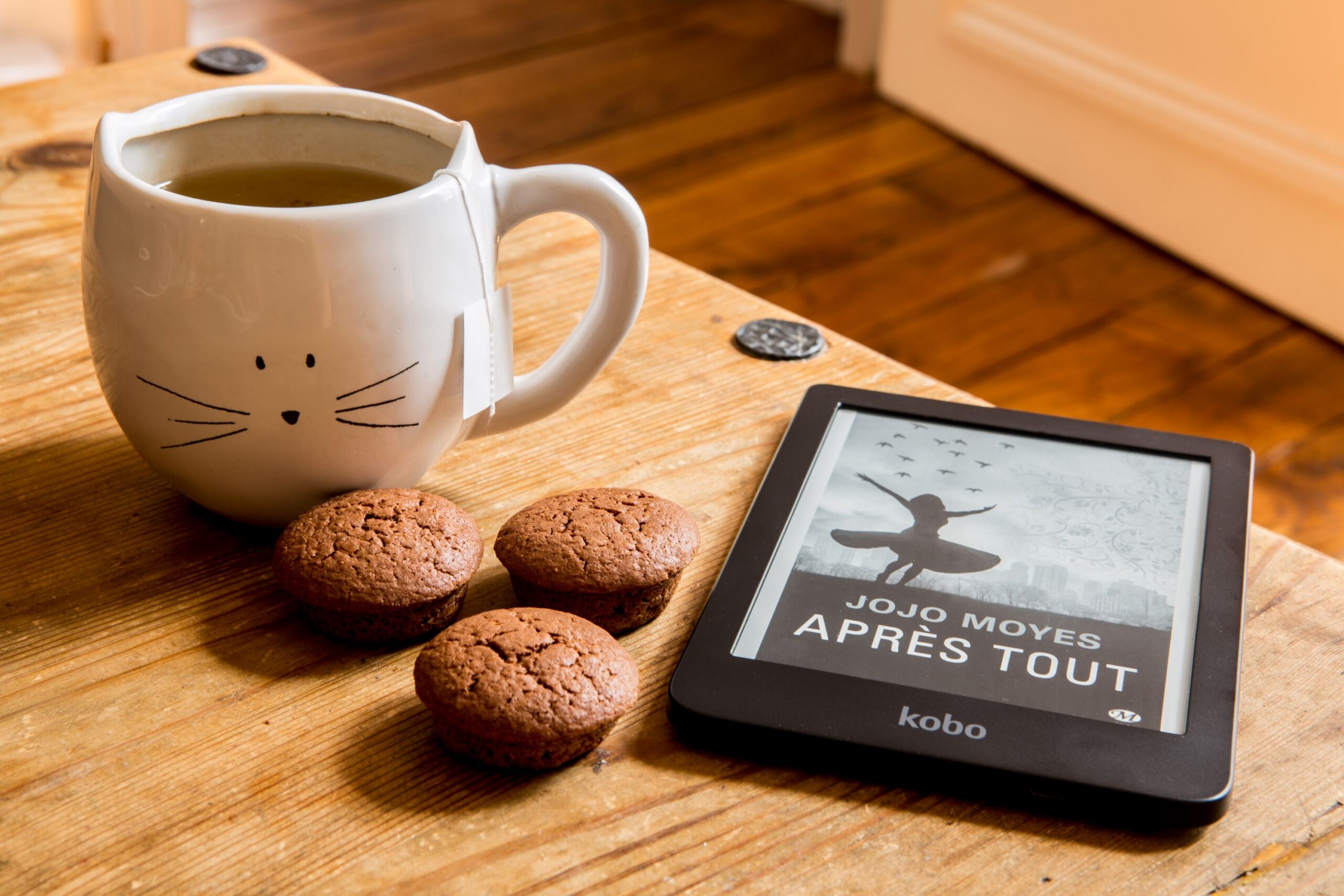
My everyday reader is a Kobo Libra, and I love it. It has physical page-turn buttons (a must for reading one-handed), it’s waterproof enough for the bath, and the warm light is easy on tired end-of-school-day eyes. The current model, the Libra Colour, lists at $219.99.
It costs more than the cheap picks, but the bigger 7-inch screen and those buttons make it the one I reach for every single night. And because Kobo has library borrowing built in, it’s paid for itself many times over in books I didn’t have to buy.
The most versatile: Boox Go Color 7
If you want one device that does a little of everything, look at Boox. The Go Color 7 ($249.99) runs Android, so you can install the Kindle, Kobo, and Libby apps side by side and never get locked into one store. It also has a color screen for picture books and comics, plus 64 GB of storage.
The trade-offs: it isn’t waterproof, it costs the most of my three picks, and all that freedom means more fiddling with settings. Great for tinkerers, maybe too much for someone who just wants to read.
A few others worth knowing
- Kindle Paperwhite ($159.99): The crowd favorite. A great reader if you mostly buy from Amazon, and library books still work by sending them from Libby (US only).
- Nook GlowLight 4 ($149.99): Worth a look if you’re a Barnes & Noble shopper.
- Kindle Scribe ($399.99): A big reader you can write on. Handy for marking up PDFs and lesson materials, but pricey.
- Your phone or tablet ($0): Don’t sleep on what you already own. A free reading app turns it into an e-reader, it’s just harder on the eyes for long stretches.
My rule of thumb: if you borrow from the library a lot, go Kobo. If you mostly buy from Amazon, go Kindle. If you want to do everything, go Boox.
The real secret: Libby + your library card
If you take one thing from this post, let it be this: you can borrow e-books and audiobooks from your library for free. All you need is a library card and the Libby app.
Sign in with your card, search for a book, and borrow it or place a hold. When it’s ready, it shows up for a couple of weeks and then returns itself, so no late fees, ever.
Kobo makes this even easier, because you can sign in with your library card right on the device and borrow without touching your phone. Popular books can have a wait, so I keep a few holds going at once and there’s always something ready.
Other handy reading apps
- Hoopla: Another free library app, if your library has it. Great backup when Libby has a long wait.
- Kobo and Kindle apps: Read your e-books on your phone when your reader’s at home.
- Kobo bonus: Kobo will allow you to upload an epub directly to your device even if you bought it somewhere else!
- StoryGraph: My go-to for tracking what I’ve read and what’s next, and I love picking books by mood (yes, I’m also a little obsessed with my stats). Goodreads works too if your friends are already there.
That’s my setup! If you have a library card hiding in your wallet, go download Libby tonight. Your next book might already be waiting.